How To Fix Mouse Scroll Wheel Going Up & Down / Jumping
Generated guide based on video: Watch on YouTube
Summary: This guide teaches you how to resolve issues with a mouse scroll wheel that jumps or is unresponsive. It involves cleaning and clearing debris from the scroll wheel to restore its functionality.
Materials Needed
- cloth
Outcome: The mouse scroll wheel functions smoothly without jumping or being unresponsive.
Steps
Step 1: Clean the mouse wheel with a cloth
Use the end of a cloth to push down in the gaps around the mouse wheel to remove dust and debris.
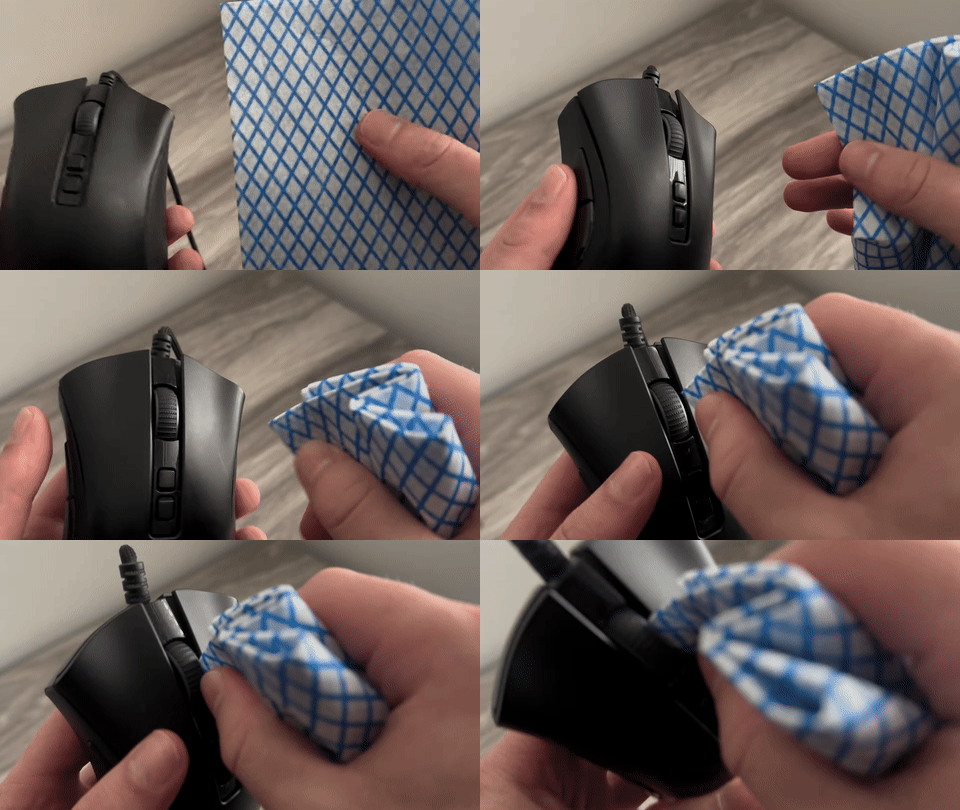
Demonstrates using a cloth to clean the gaps around the mouse wheel.
Step 2: Blow air between the gaps
Blow hard between the gaps of the mouse wheel to clear any remaining dust that might be causing the issue.
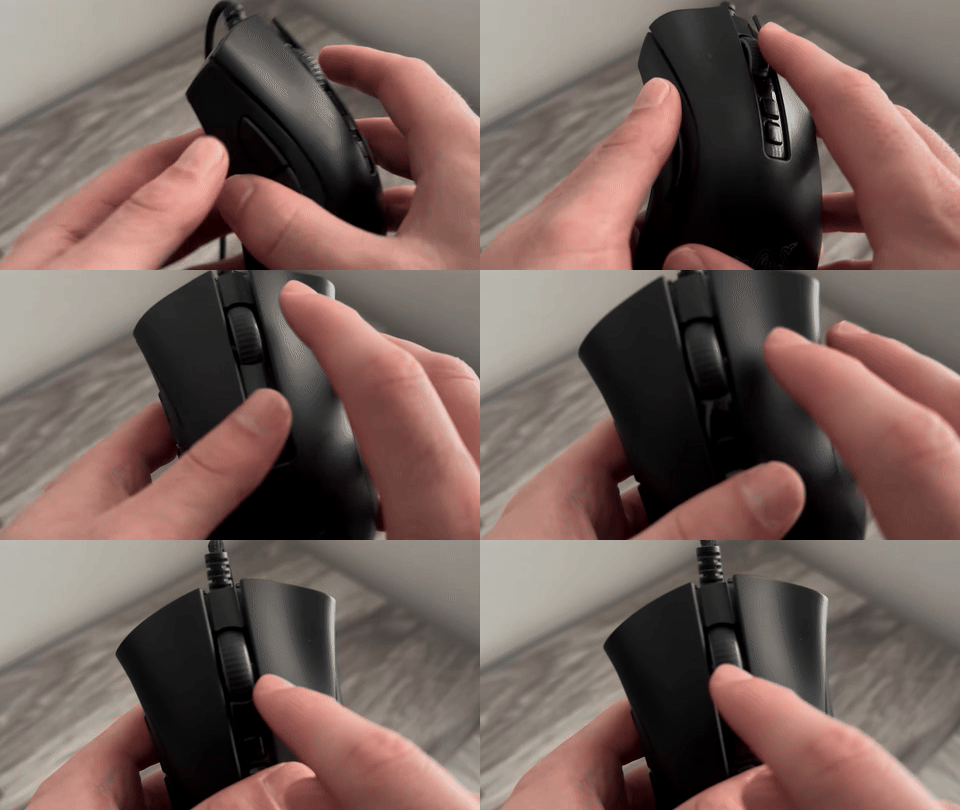
Shows blowing air between the gaps of the mouse wheel.
Step 3: Use compressed air if available
Optionally, use compressed air to blow out dust more effectively if the previous steps did not resolve the issue.
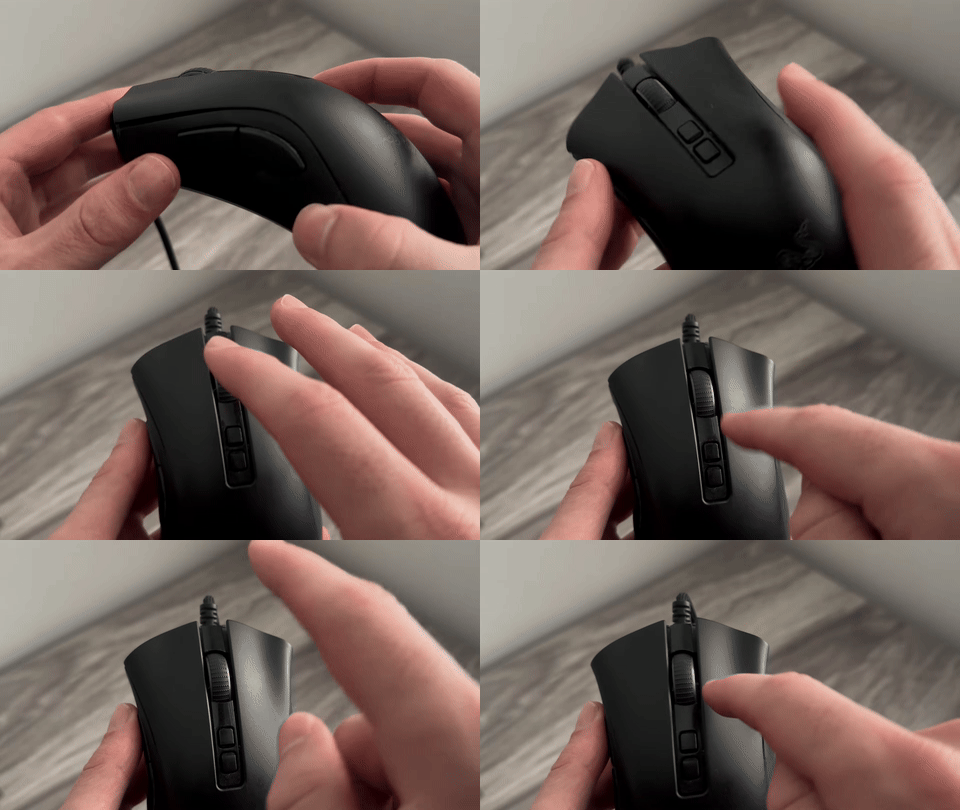
Shows the use of compressed air to clean the mouse wheel.