OpenCode Tutorial for Beginners: Setup, Agents, Skills & MCP
Generated guide based on video: Watch on YouTube
Materials Needed
- OpenCode installation command
- API key for provider
- VS Code or terminal
- Skills repository URL
- MCP server setup code
Outcome: Successfully set up OpenCode and use it to create and test AI-driven applications.
Steps
Step 1: Install OpenCode
Go to OpenCode.ai, navigate to the installation instructions, copy the curl command, and run it in your terminal.
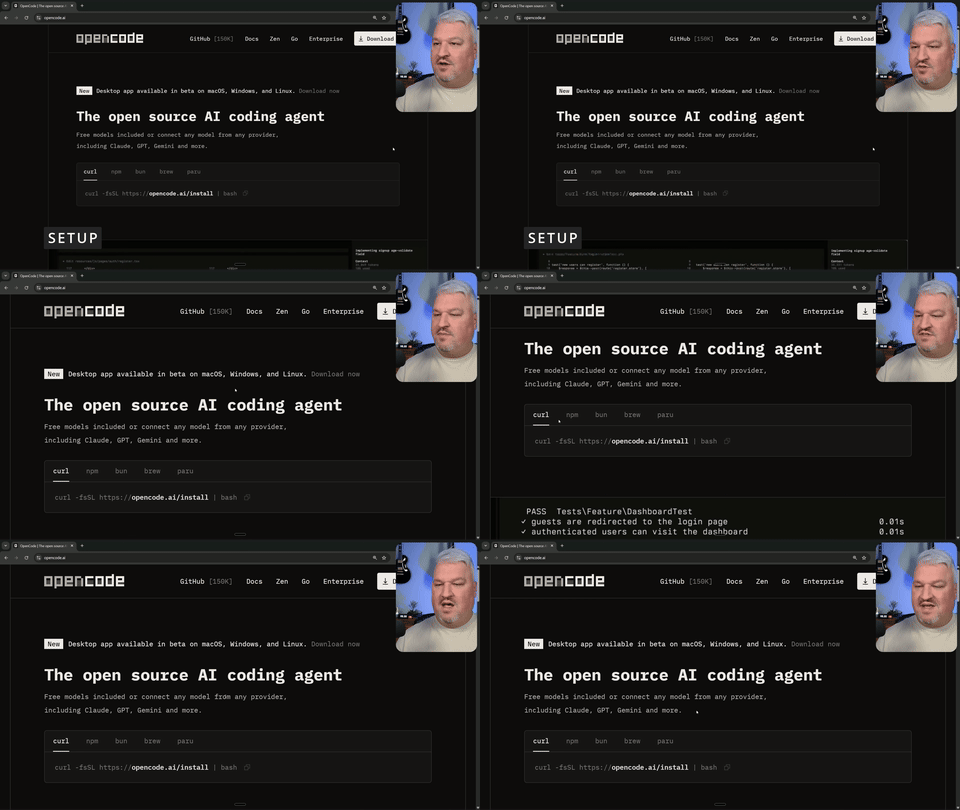
Shows the process of navigating to OpenCode.ai, copying the curl command, and executing it in the terminal.
Step 2: Start OpenCode
Enter the command 'OpenCode' in your terminal to start the application.
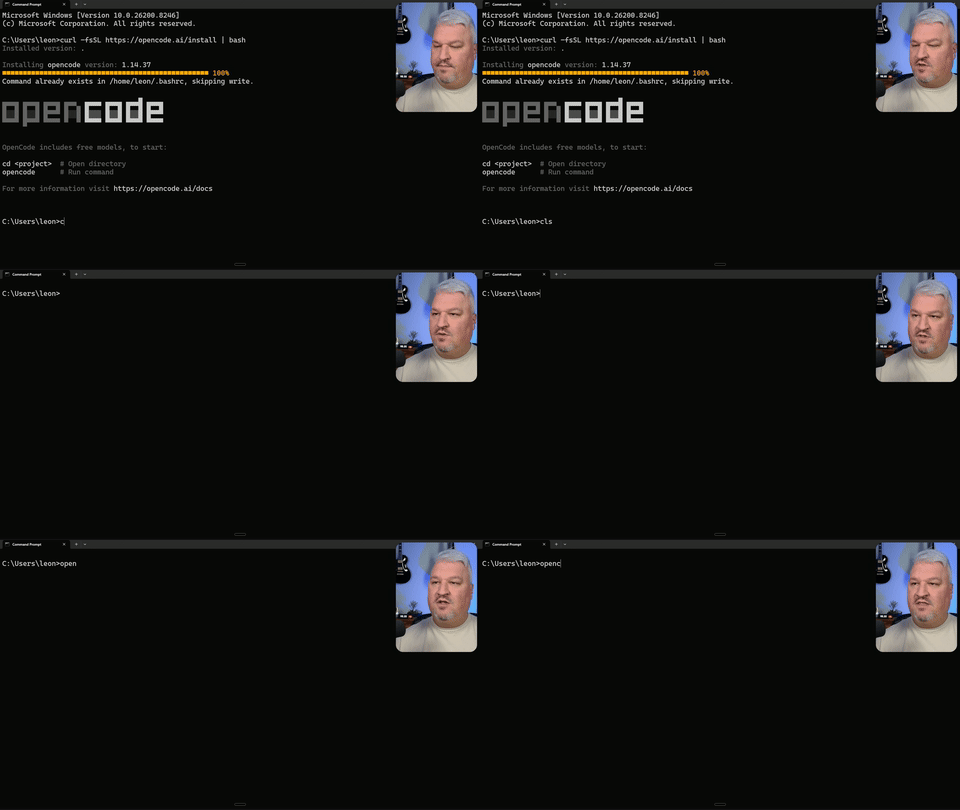
Displays the terminal with the 'OpenCode' command being entered and executed.
Step 3: Connect to a Provider
Use the 'connect' command to link OpenCode with a provider, and set up an API key if necessary.
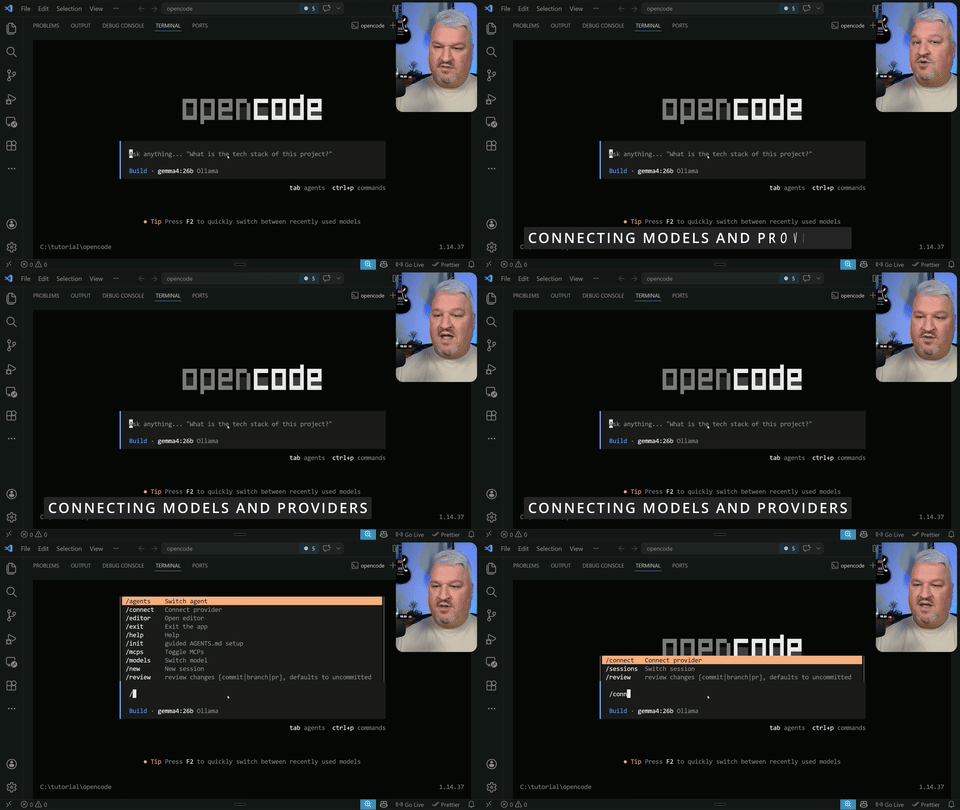
Illustrates the process of connecting to a provider and setting up an API key.
Step 4: Select a Model
Choose a model from the available options for your connected provider.
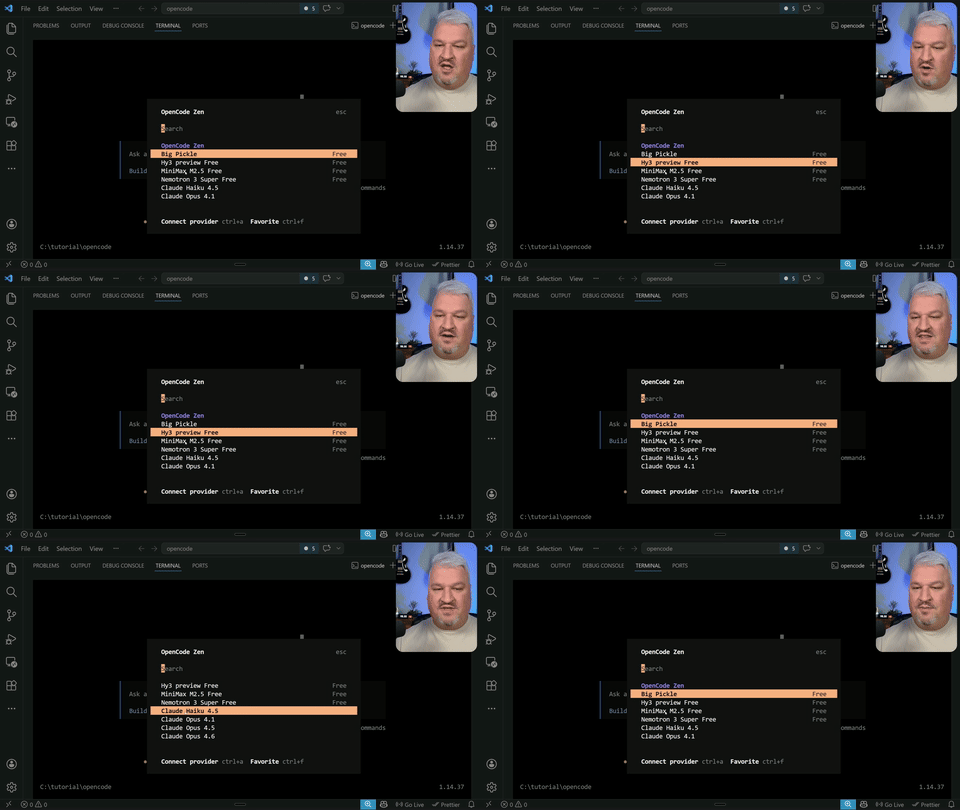
Shows the selection of a model from the provider's options.
Step 5: Install Agent Skills
Search for and install relevant skills from skills.sh to enhance agent capabilities.
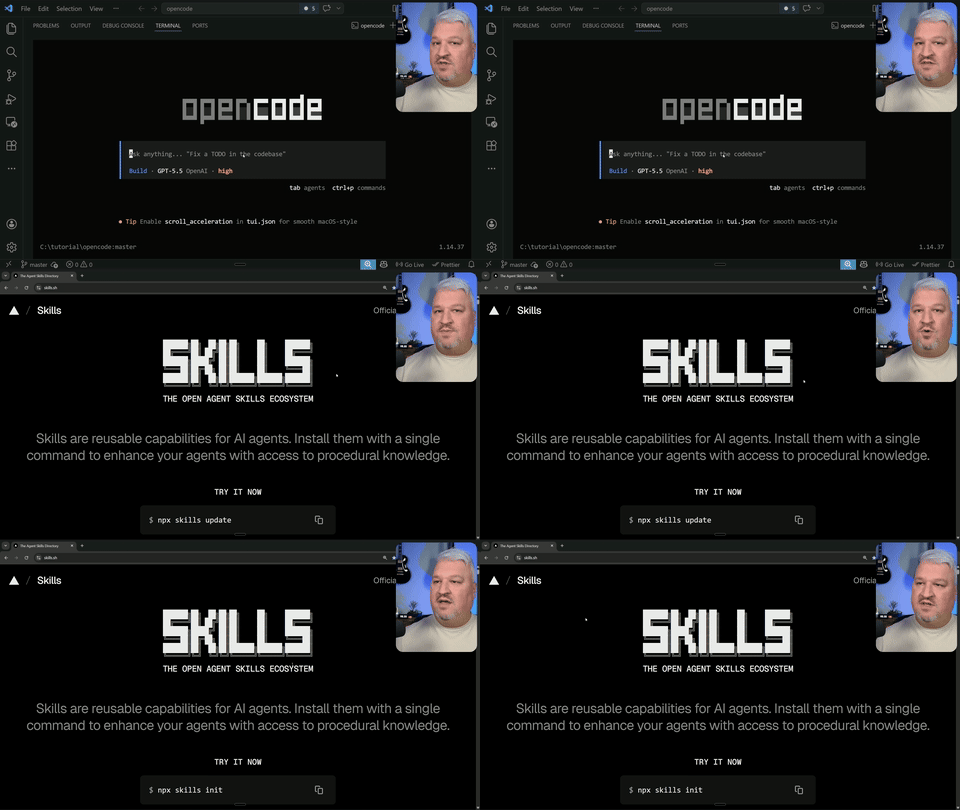
Demonstrates searching for and installing skills from skills.sh.
Step 6: Set Up Memory Files
Create an 'agents.md' file to provide specific instructions and rules for your agent.
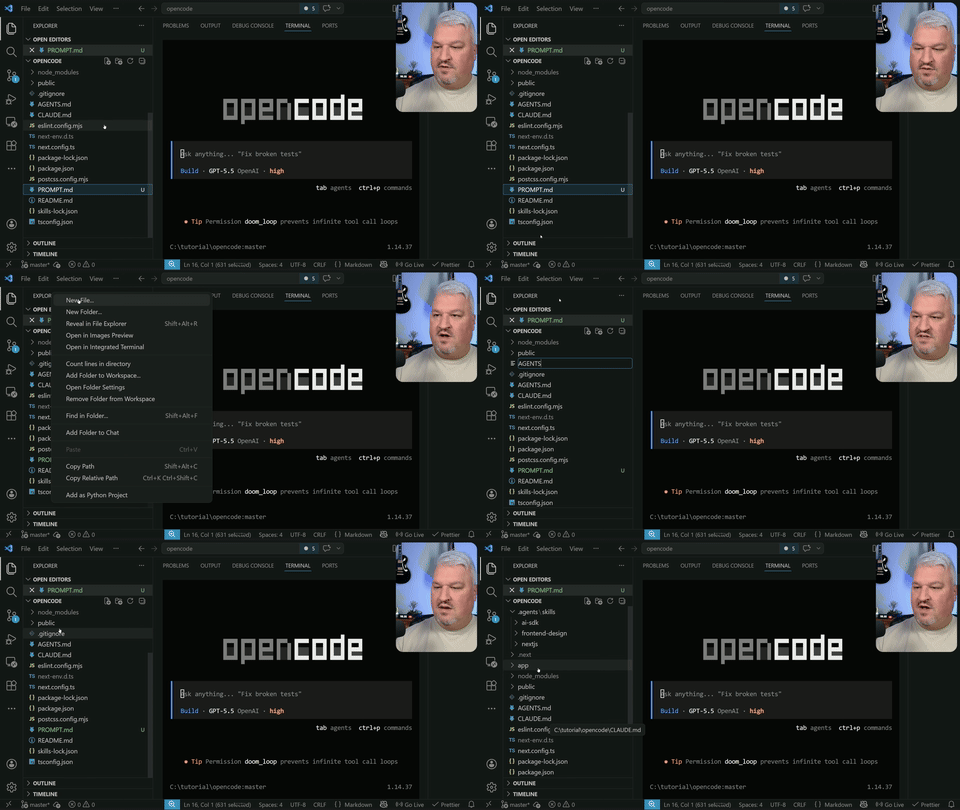
Illustrates the creation and setup of the 'agents.md' file.
Step 7: Plan and Implement a Project
Use OpenCode to plan a project, store the plan, and execute it using sub-agents.
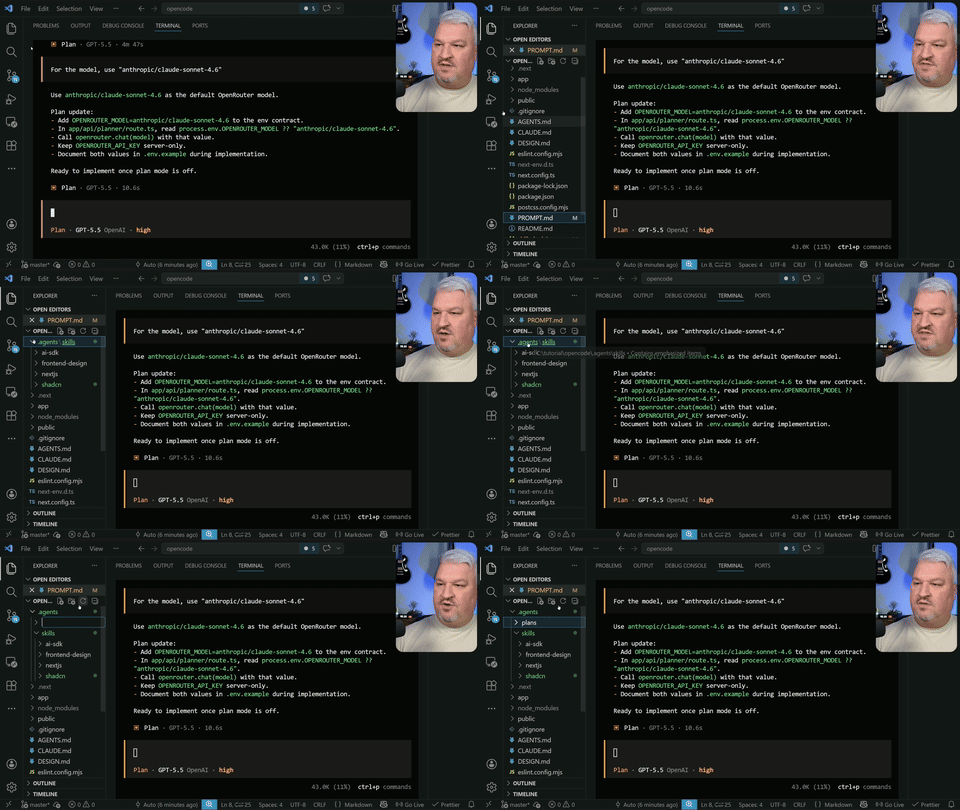
Shows the process of planning, storing, and executing a project with sub-agents.
Step 8: Configure MCP Server
Set up an MCP server using a configuration file to enable automated testing.
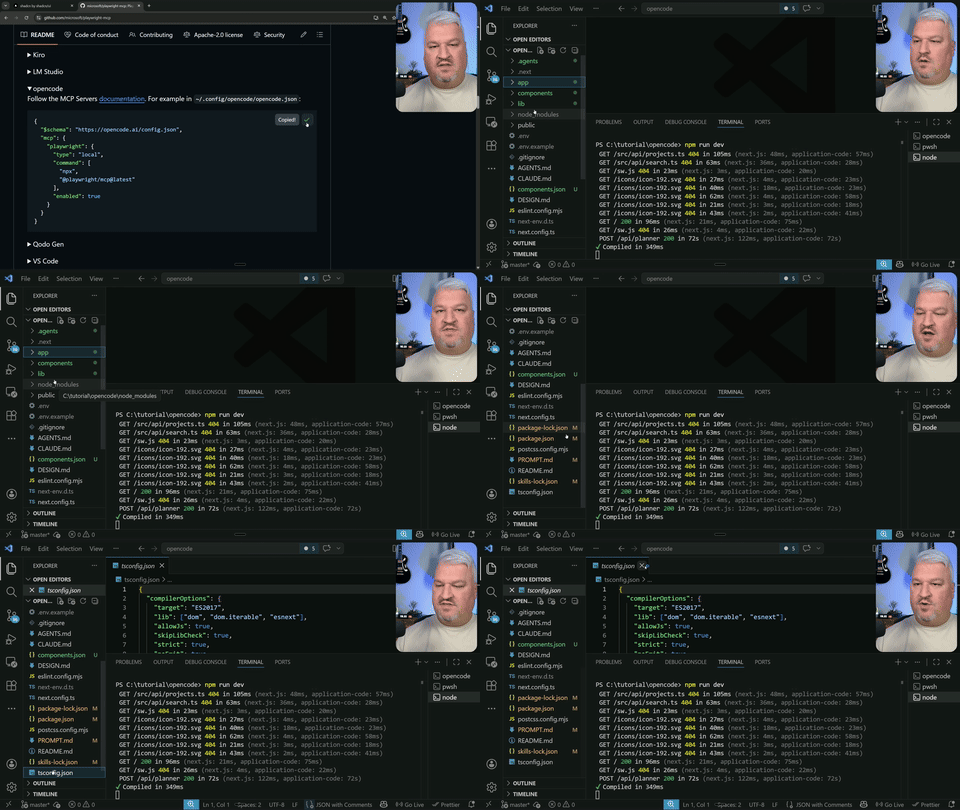
Demonstrates the setup of an MCP server using a configuration file.
Step 9: Test and Refine Application
Use the MCP server to test the application and make UI improvements with agent skills.
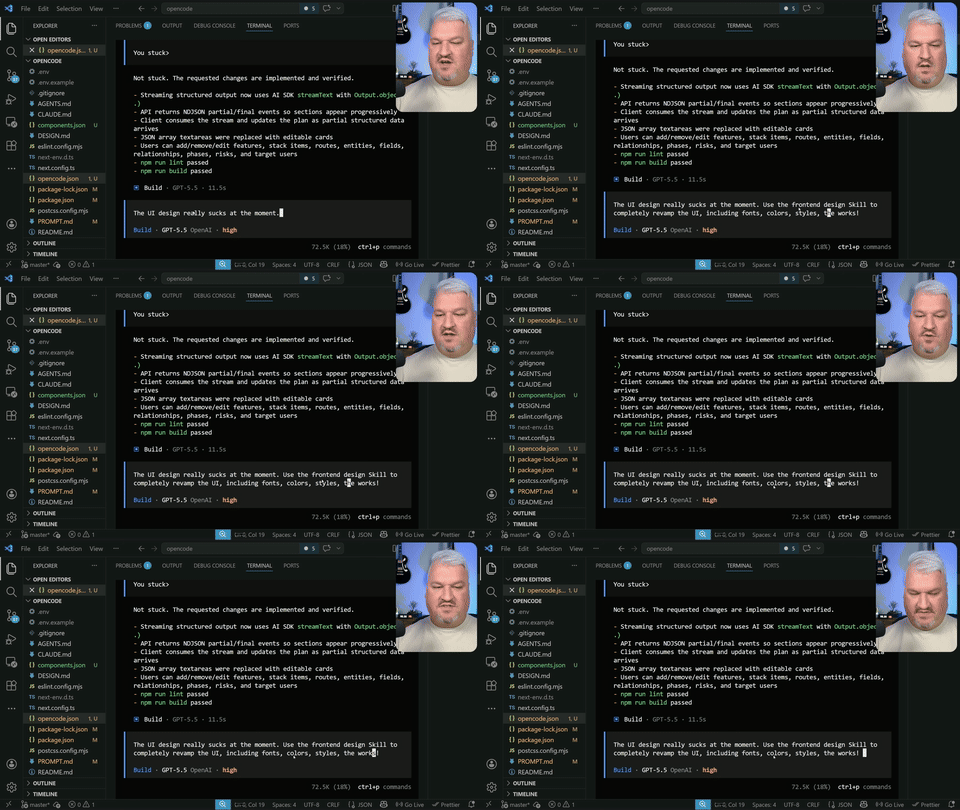
Illustrates the testing and refinement of the application using the MCP server.